


RLS stands for row level security. It is used to control which rows of data a user can see in a Power BI report.
Row level security, RLS
On premises
Row level security is a Power BI feature that controls which rows of data a user can see in a report.
Quick facts about row level security

Data access control
Row level security helps restrict report data so users only see the rows they are allowed to access.

User based rules
RLS can use user attributes, roles or group membership to decide which data should be visible.

Model configuration
In Power BI, RLS is configured in the data model so the same report can show different data to different users.

Useful for sharing
RLS is important when reports are shared with users who should not all see the same underlying data.
How row level security works
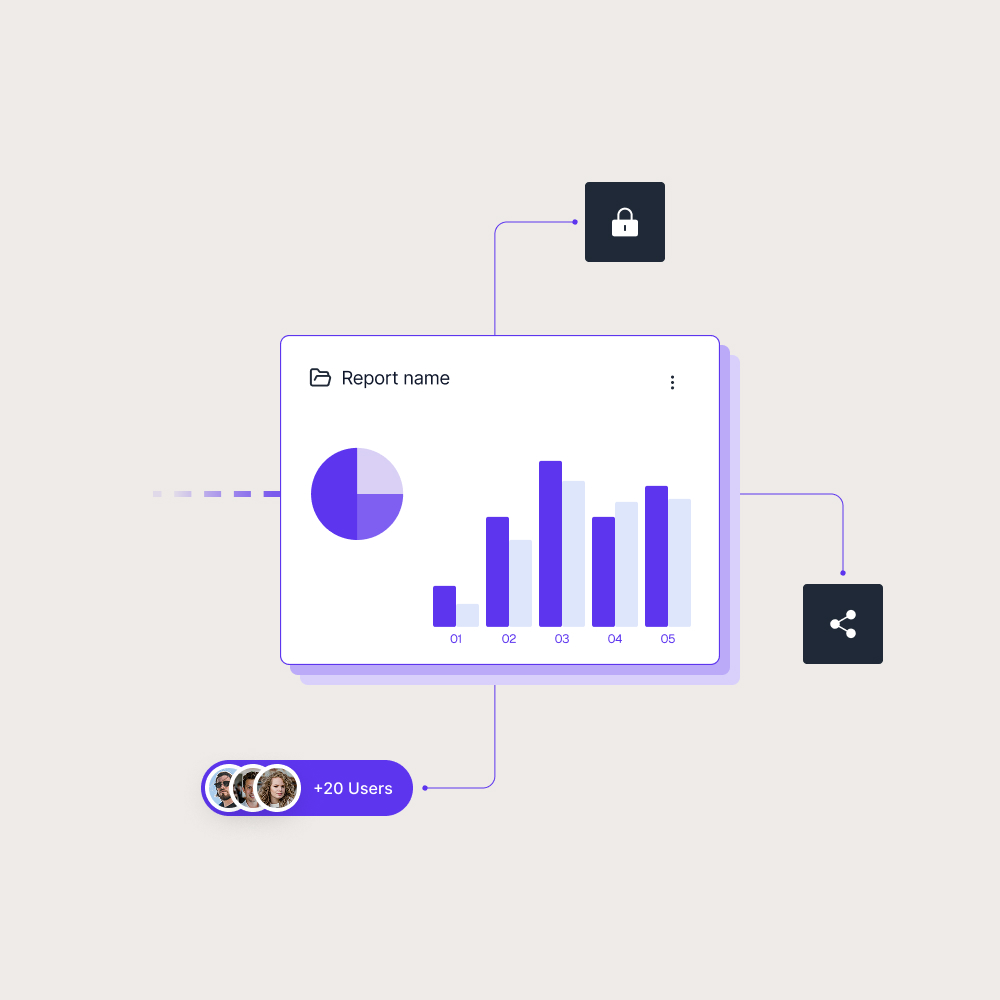
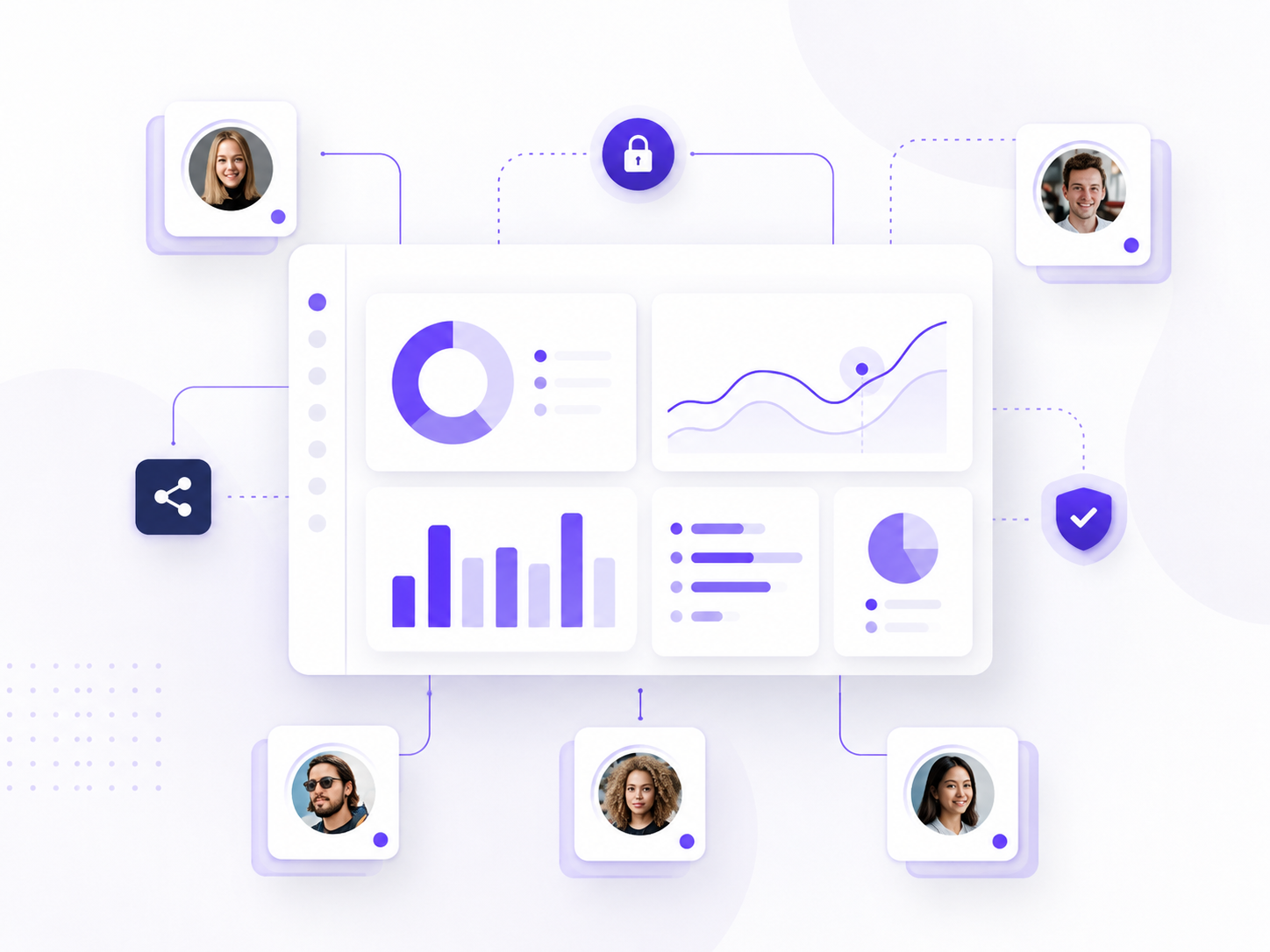
Row level security applies rules to the data behind a report. Instead of creating separate reports for each audience, teams can use RLS so different users see different rows from the same model.
Common uses for row level security include:
- Sales reps seeing only their own accounts
- Regional managers seeing only their region
- Customers seeing only their own data
- Partners seeing only the data connected to their agreement
This makes RLS useful when one report needs to serve several audiences. The report structure can remain the same, while the visible data changes based on the user’s access.
Why row level security matters in BI reporting
Row level security matters because report access is not always all or nothing. Two users may open the same Power BI report, but each user may need a different view of the underlying data.
In Power BI, RLS helps teams manage this at the data level. Skald BI helps with the delivery layer around finished Power BI reports, giving customers, partners and internal users secure access through a branded portal.
Use cases
See how different types of organisations use Skald BI to share Power BI securely with employees, customers and partners.
Contact us
Try Skald BI for free
Whether you’re looking for expert advice, tailored
solutions, or have a specific inquiry, reach out to
our team.
No set up. Live fast.
Support contact
Follow us
Frequently asked questions
What does RLS mean in Power BI?
What is row level security used for?
Row level security is used when different users should see different parts of the same dataset, such as their own region, customers or accounts.
Does row level security change the report layout?
No. RLS usually affects the data shown in the report, not the report layout itself.
How does row level security relate to Skald BI?
Row level security helps control the data shown inside Power BI reports. Skald BI helps teams share those finished reports through a secure branded portal for customers, partners and internal users.
Can row level security be used for external users?