


Access control is the process of deciding who can access a system, report, feature or dataset, and what they are allowed to do.
Access control
Access control defines who can open Power BI reports, what they can do with them and which data they are allowed to see.
Quick facts about access control

Controls report access
Access control helps decide which users can view, manage or share Power BI content.

Protects sensitive data
It reduces the risk of users seeing reports or data that are not meant for them.

Works across layers
In Power BI, access control can involve workspaces, apps, reports, semantic models, roles and data security.

Important for external sharing
When reports are shared with customers or partners, access control becomes central to both security and trust.
How access control works in Power BI
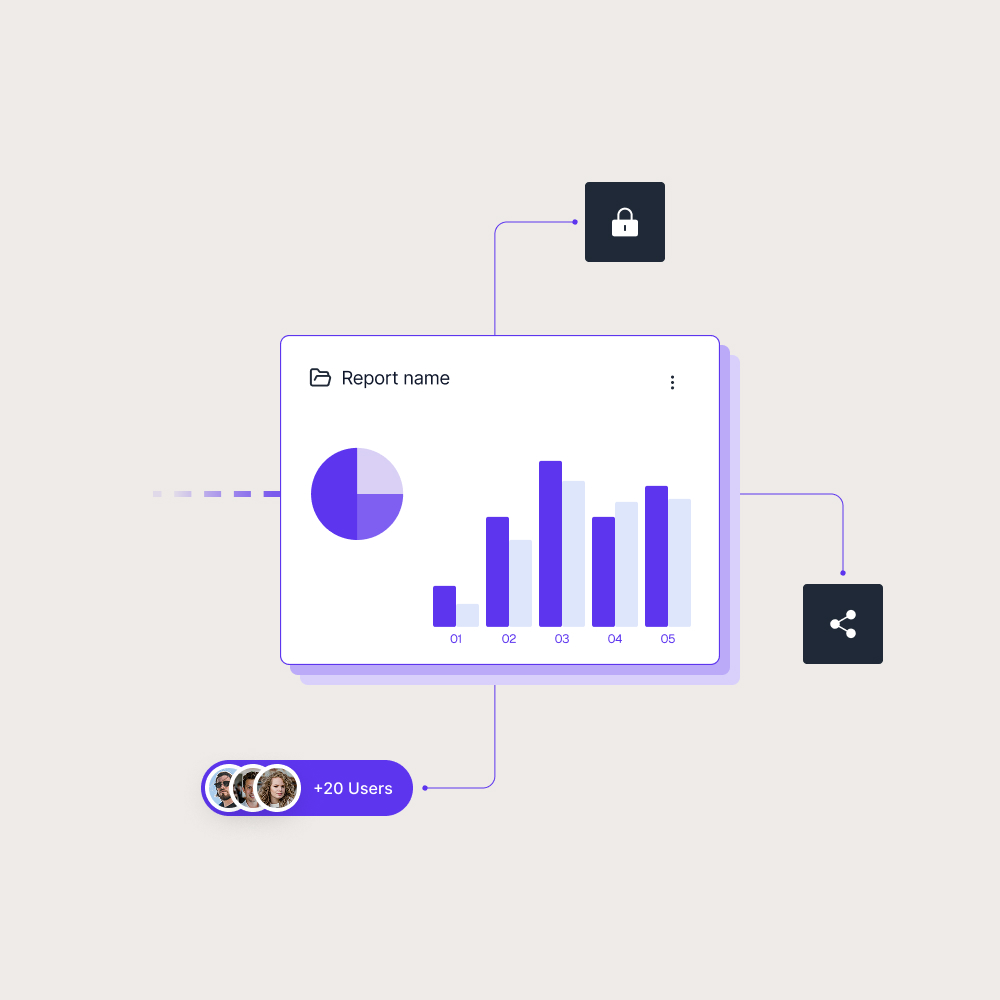
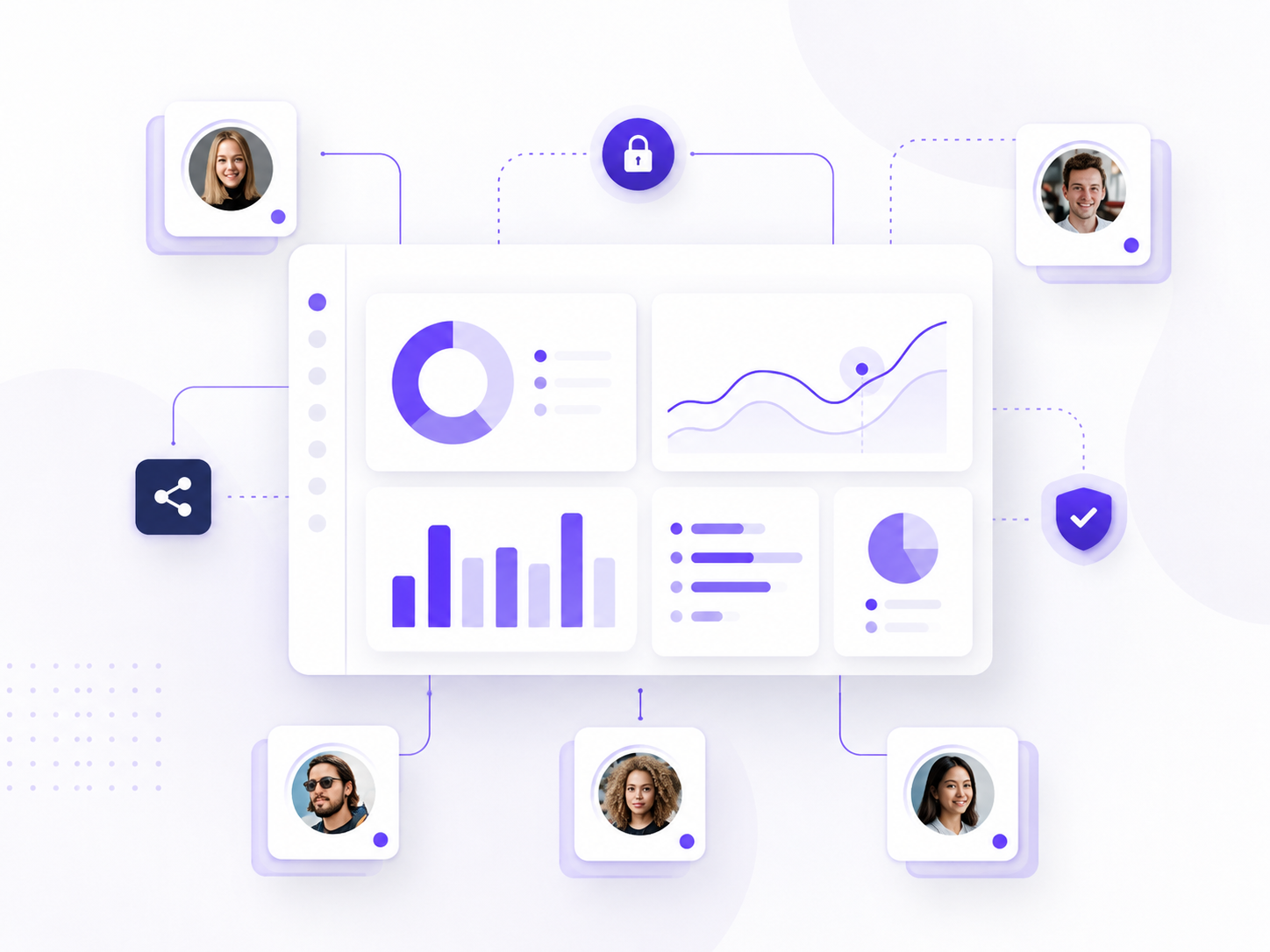
Access control in Power BI is not only one setting. It often involves several layers that decide what a user can access, manage or see inside a report.
Access control can affect:
- Who can open a report
- Who can edit or publish content
- Who can access the underlying semantic model
- Who can see specific data through security rules
This helps teams share reports without giving every user the same level of access. A report viewer may only need read access, while an analyst may need editing rights and an administrator may need broader control.
Why access control matters for Power BI sharing
Access control matters because Power BI reports often contain data for different audiences. An internal manager, customer, partner and analyst may all need reporting access, but not to the same reports, actions or data.
This becomes especially important when Power BI reports are shared externally. Customers may need access to their own reporting views, while partners may need selected dashboards or performance reports. Without a clear access setup, report sharing can become difficult to manage as the audience grows.
Skald BI helps organizations share existing Power BI reports through a secure branded portal. It gives customers, partners and internal users a clearer way to access the reports meant for them, with report delivery built around controlled access and a branded user experience.
Use cases
See how different types of organisations use Skald BI to share Power BI securely with employees, customers and partners.
Contact us
Try Skald BI for free
Whether you’re looking for expert advice, tailored
solutions, or have a specific inquiry, reach out to
our team.
No set up. Live fast.
Support contact
Follow us
Frequently asked questions
What is access control in Power BI?
In Power BI, access control helps manage who can view, edit, publish or manage reports, workspaces, apps, semantic models and data.
How is access control different from user permissions?
User permissions are part of access control. Access control is the broader setup that includes permissions, roles, authentication and data security.
Why do permissions matter for external Power BI sharing?
External users, such as customers or partners, often need limited access to specific reports or data. Permissions help keep that access controlled.
How does access control relate to Skald BI?