


Authorization is the process of deciding what an authenticated user is allowed to access or do in a system.
Authorization
Authorization decides what an authenticated user is allowed to access or do inside a system, report or portal.
Quick facts about authorization

Comes after sign in
Authorization happens after a user’s identity has been verified.

Controls actions
It defines whether a user can view, edit, share, publish or manage content.

Works with permissions
Authorization uses roles, permissions and security rules to decide what access should be granted.

Important for Power BI sharing
When Power BI reports are shared with different audiences, authorization helps make sure each user only reaches the content meant for them.
Who gets access after sign in
Authorization is the step that decides what happens once a user has logged in. A user may be recognized by the system, but still needs the right access to open a report, view a workspace or interact with specific content.
Authorization can control:
- Which Power BI reports a user can open
- Whether a user can view or edit content
- Which data or report areas are available
- Whether a user can manage access for others
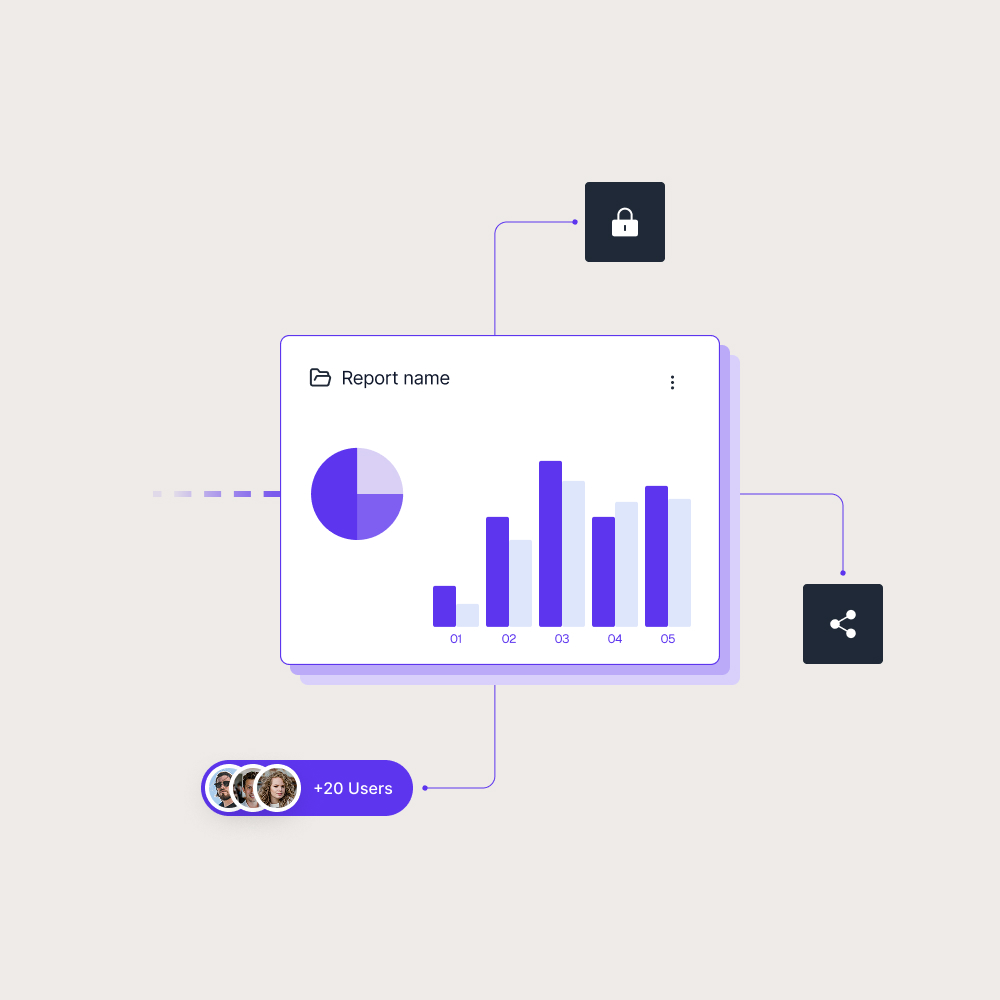
This makes authorization central to secure report sharing. It helps teams avoid giving users broader access than they need, especially when reports are shared with customers, partners and larger internal groups.

Access should match the audience
Authorization matters because report users do not all need the same level of access. A customer may only need their own reporting view, a partner may need selected reports, and an internal administrator may need broader control.
In Power BI, authorization connects identity, permissions and reporting access. Skald BI helps organizations share existing Power BI reports through a secure branded portal, giving customers, partners and internal users a clearer way to access the reports meant for them.
Use cases
See how different types of organisations use Skald BI to share Power BI securely with employees, customers and partners.
Contact us
Try Skald BI for free
Whether you’re looking for expert advice, tailored
solutions, or have a specific inquiry, reach out to
our team.
No set up. Live fast.
Support contact
Follow us
Frequently asked questions
What is the difference between authentication and authorization?
Authentication verifies who the user is. Authorization decides what that user is allowed to access after their identity is verified.
Why is authorization important in Power BI?
Authorization helps control who can open reports, manage content, access workspaces or interact with specific data.
Is authorization the same as permissions?
Permissions are part of authorization. Authorization is the broader process of applying those permissions to decide access.
How does authorization relate to Skald BI?