


Content view is a Power BI view that lists content you created or content that has been shared with you.
Content view
Content view is a Power BI view that lists content you created or content that has been shared with you.
Quick facts about content view

Content list
Content view helps users see Power BI content available to them in one place.

Created content
It can include content the user has created, such as reports, dashboards or other Power BI items.

Shared content
It can also include content that designers, report creators or other users have shared with the user.

User access
What appears in content view depends on what the user has access to in Power BI.
How content view works
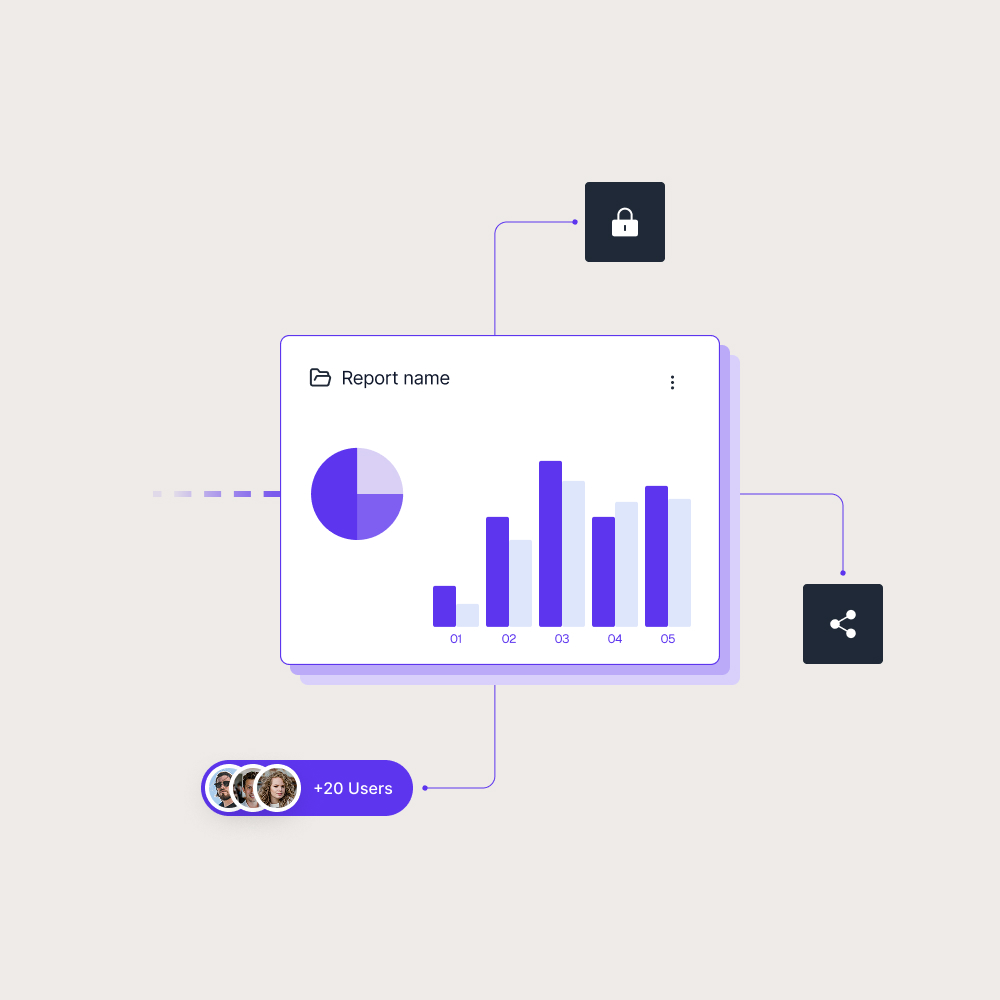
Content view is meant to make Power BI content easier to find. Instead of searching through different areas manually, users can see a list of relevant content that belongs to them or has been shared with them. Content view can help users find:
- Reports they created
- Dashboards they use
- Apps or content shared with them
- Items they have permission to open
This is useful when people work with several reports or receive content from different teams. It gives users a clearer starting point for finding the Power BI content they need.

Why content organization matters
Content view shows why organization matters in Power BI. As more reports, dashboards, apps and workspaces are added, users need a simple way to find what is relevant to them. Without clear access and structure, reporting can become harder to navigate, even when the reports themselves are useful.
This becomes even more important when content is shared with customers, partners or larger internal audiences. Skald BI helps organizations create a focused reporting experience around existing Power BI content, so each audience can access the reports meant for them through a secure branded portal instead of navigating a broader Power BI environment.
Use cases
See how different types of organisations use Skald BI to share Power BI securely with employees, customers and partners.
Contact us
Try Skald BI for free
Whether you’re looking for expert advice, tailored
solutions, or have a specific inquiry, reach out to
our team.
No set up. Live fast.
Support contact
Follow us
Frequently asked questions
What is content view in Power BI?
What can appear in content view?
Content view can include Power BI content such as reports, dashboards, apps or other items the user has created or has permission to access.
Is content view the same for every user?
No. Content view depends on the user’s access. Different users may see different content based on what they created, what has been shared with them and their permissions.
Content view helps users find Power BI content more easily. It can reduce the need to search across different areas when users work with multiple reports or shared items.
How does content view relate to Skald BI?