


A data source is the place where data comes from before it is used for analysis, reporting or visualization.
Data source
A data source is the place where report data comes from, such as a database, file, cloud service or business application.
Quick facts about data sources

Origin of data
A data source is the original location that provides data for analysis, modeling and reporting.

Many source types
Power BI can use data from spreadsheets, databases, data warehouses, APIs, cloud platforms and business systems.

Connected through tools
Data sources are often connected to Power BI with connectors, Power Query or other data integration methods.

Affects report quality
The reliability, structure and freshness of a data source directly affect how useful the final report is.
How data sources work
A data source provides the raw information that a report is built from. Before the data reaches a Power BI report, it may be connected, cleaned, transformed and modeled so users can analyze it properly.
Common data source examples include:
- Excel files
- SQL databases
- CRM systems
- Cloud data warehouses
This makes the data source one of the first things to understand in any reporting setup. If the source is incomplete, outdated or poorly structured, the report can become harder to trust.

Why data sources matter in Power BI reporting
Data sources matter because every report depends on the data behind it. A sales report, finance dashboard or customer portal is only useful if the source data is reliable and available.
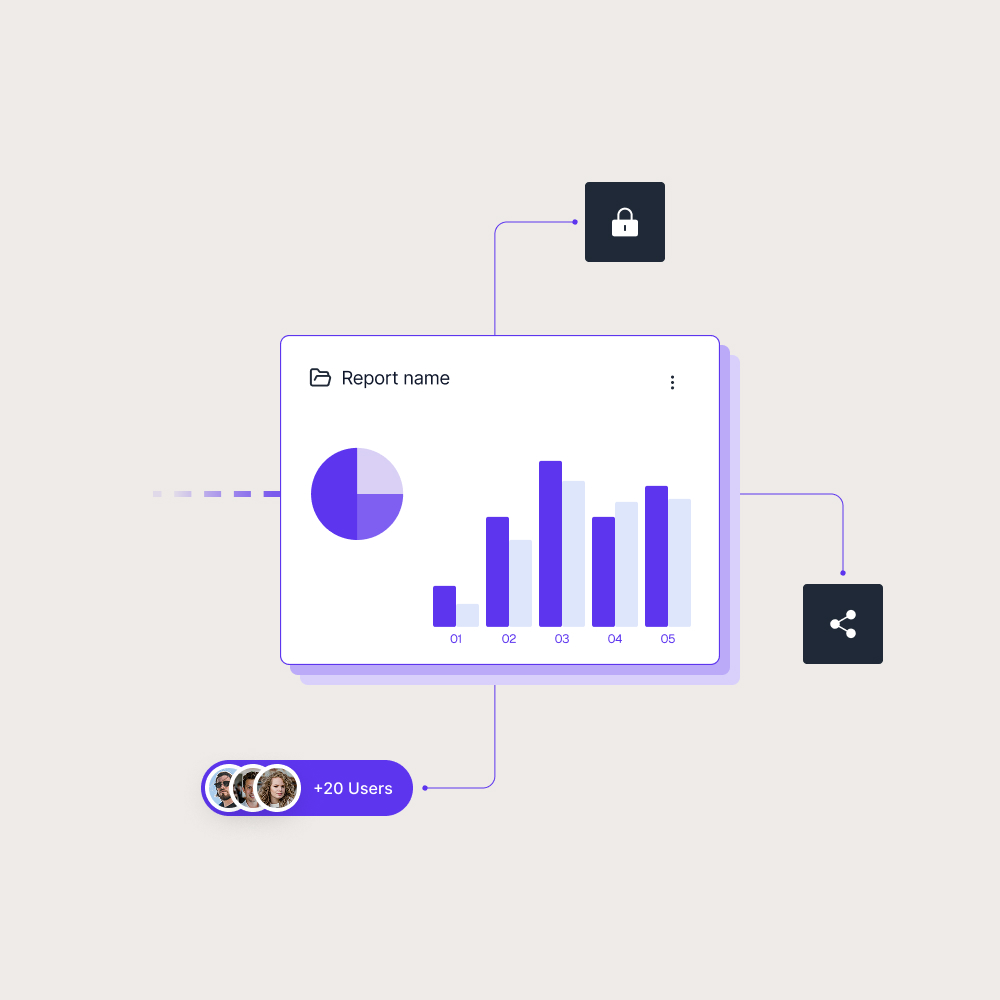
In Power BI, data sources feed the reports users interact with. Skald BI helps with the next step: sharing finished Power BI reports through a secure branded portal for customers, partners and internal teams.
Use cases
See how different types of organisations use Skald BI to share Power BI securely with employees, customers and partners.
Contact us
Try Skald BI for free
Whether you’re looking for expert advice, tailored
solutions, or have a specific inquiry, reach out to
our team.
No set up. Live fast.
Support contact
Follow us
Frequently asked questions
What are examples of data sources?
Examples include Excel files, SQL databases, CRM systems, ERP systems, APIs, cloud services and data warehouses.
What is a data source in Power BI?
In Power BI, a data source is the system, file or service that provides data for a report, semantic model or dashboard.
Why are data sources important?
Data sources are important because report quality depends on the accuracy, freshness and structure of the underlying data.
How do data sources relate to Skald BI?