


MFA stands for multi factor authentication. It means users must verify their identity with more than one factor before they can access a system.
Multi factor authentication, MFA
Multi factor authentication is a security method that asks users to verify their identity with more than one factor before access is granted.
Quick facts about multi factor authentication

Extra sign in protection
MFA adds another layer of verification beyond only a username and password.

Common verification methods
Users may confirm access with an authenticator app, security key, text message, phone call or biometric check.

Supports secure access
MFA helps reduce the risk of unauthorized access if a password is lost, stolen or guessed.

Relevant to report sharing
When Power BI reports are shared with more users, MFA can help protect access to sensitive reporting content.
The extra check before report access
MFA matters because report access often depends on proving that the right person is signing in. A password alone can be weak, especially when reports contain customer data, financial results or operational information. MFA can support Power BI access by requiring:
- Something the user knows
- Something the user has
- Something the user is
- A trusted sign in context
This gives organizations stronger protection around reporting access. It does not replace permissions, roles or row level security, but it adds an important identity check before users reach the reports.
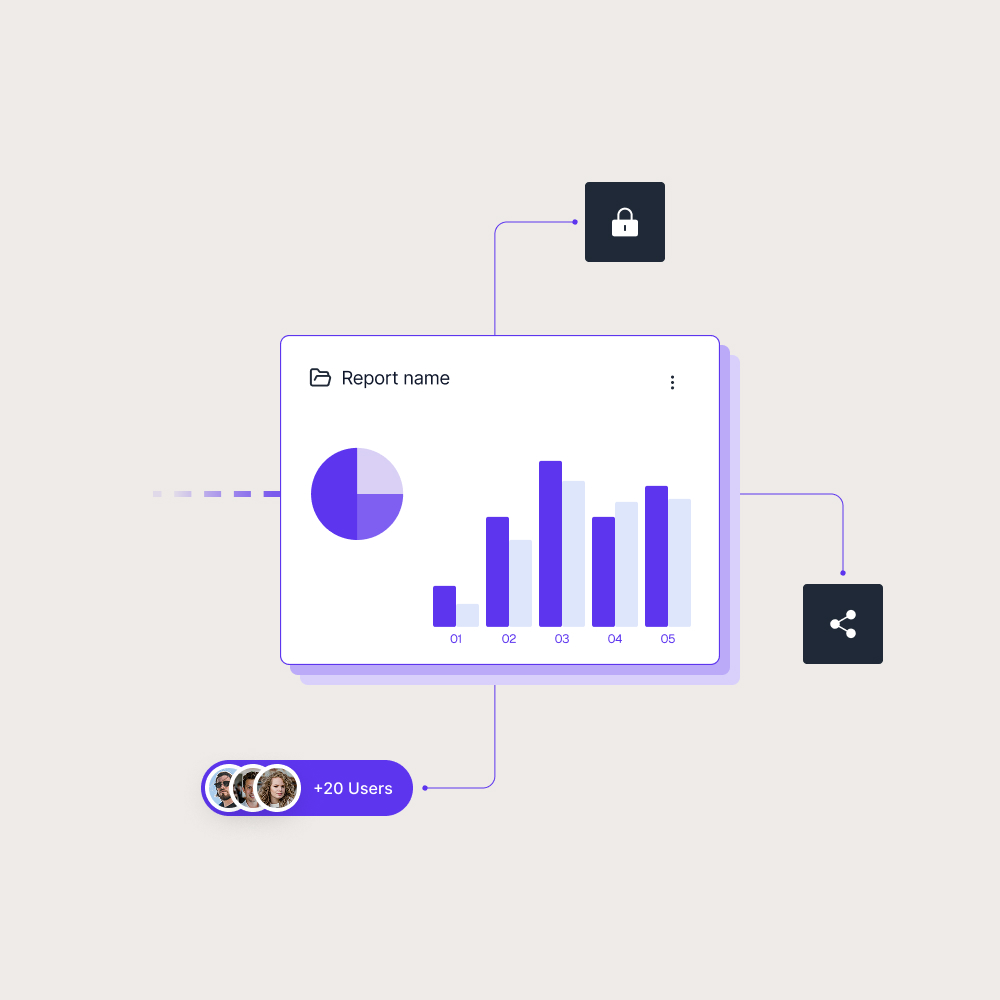
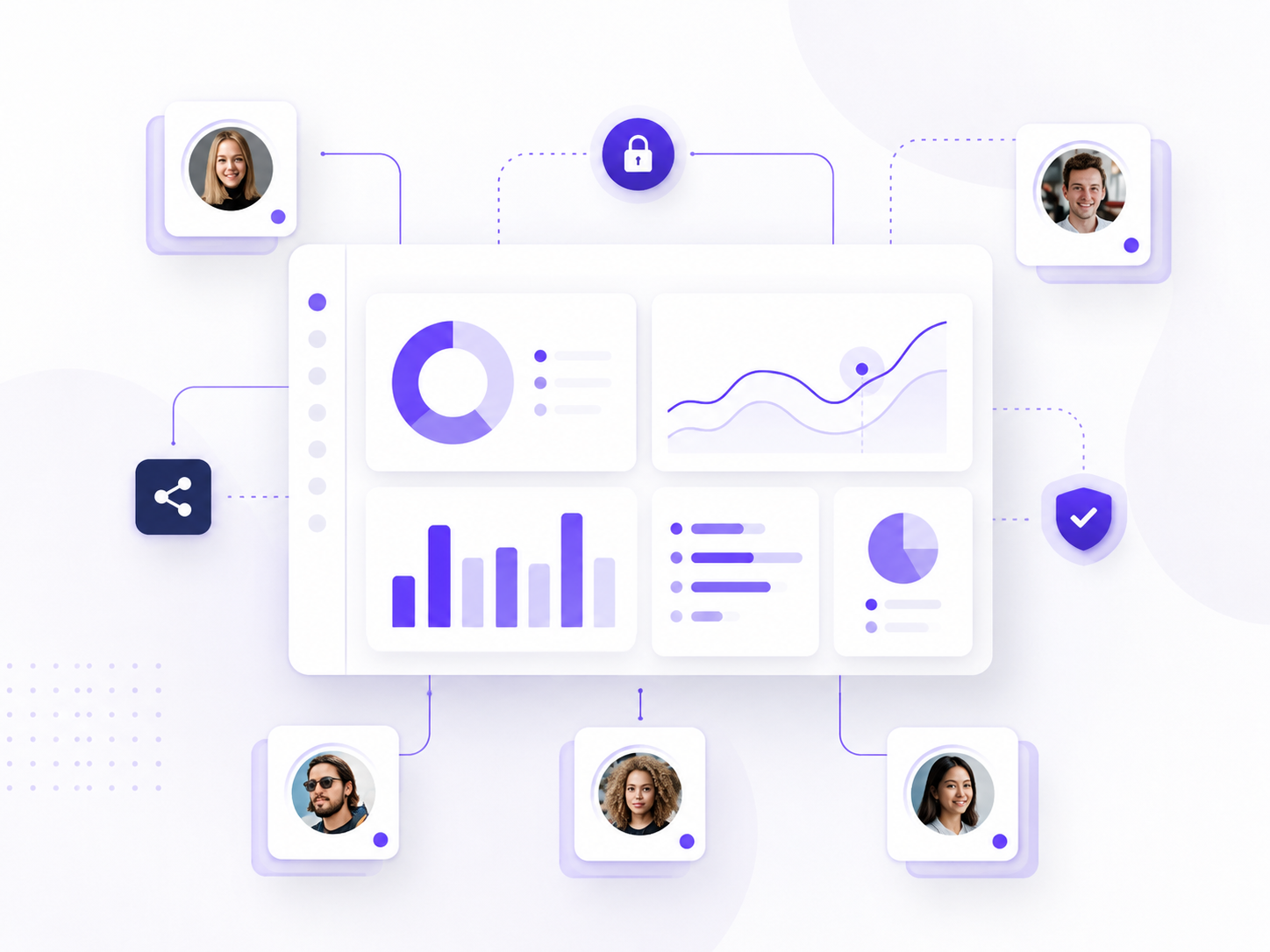
Security should start before the report opens
A Power BI report can have the right permissions and still need a strong sign in process. MFA helps protect the entrance to the reporting experience, especially when access is given to customers, partners or large internal teams.
For external reporting, this becomes part of trust. Users need access that feels smooth, while the organization needs confidence that reports are not exposed through weak login practices. Skald BI helps teams share existing Power BI reports through a secure branded portal, with controlled access around the reporting experience.
Use cases
See how different types of organisations use Skald BI to share Power BI securely with employees, customers and partners.
Contact us
Try Skald BI for free
Whether you’re looking for expert advice, tailored
solutions, or have a specific inquiry, reach out to
our team.
No set up. Live fast.
Support contact
Follow us
Frequently asked questions
An example is signing in with a password and then approving the login in an authenticator app.
Why is MFA important for Power BI?
MFA helps protect access to Power BI reports by adding another identity check before users can reach reporting content.
Is MFA the same as permissions?
No. MFA verifies who the user is during sign in. Permissions decide what that user is allowed to access after sign in.
How does MFA relate to Skald BI?