


RBAC stands for role based access control. It is a way to manage access by assigning users to roles with defined permissions.
Role based access control, RBAC
Role based access control is a way to manage access by assigning users to roles that define what they can view, edit or manage.
Quick facts about role based access control

Access by role
RBAC gives users access based on their role, rather than setting every permission individually.

Easier to manage
Roles make access easier to maintain when many users need similar permissions.

Supports security
RBAC helps reduce unnecessary access by giving users only the level of access their role requires.

Relevant to Power BI
In Power BI reporting, role based access can help control who can view reports, manage content or access specific data.
How RBAC works in Power BI sharing
RBAC helps teams organize report access around user groups and responsibilities. Instead of managing every user one by one, an organization can define roles for different audiences and connect users to the access they need. RBAC can help manage access for:
- Internal report viewers
- Report creators and editors
- Customers with account specific reporting
- Partners with selected report access
This becomes useful when Power BI reports are shared across several audiences. A finance team, customer, partner and administrator may all need access, but each group needs a different level of control.
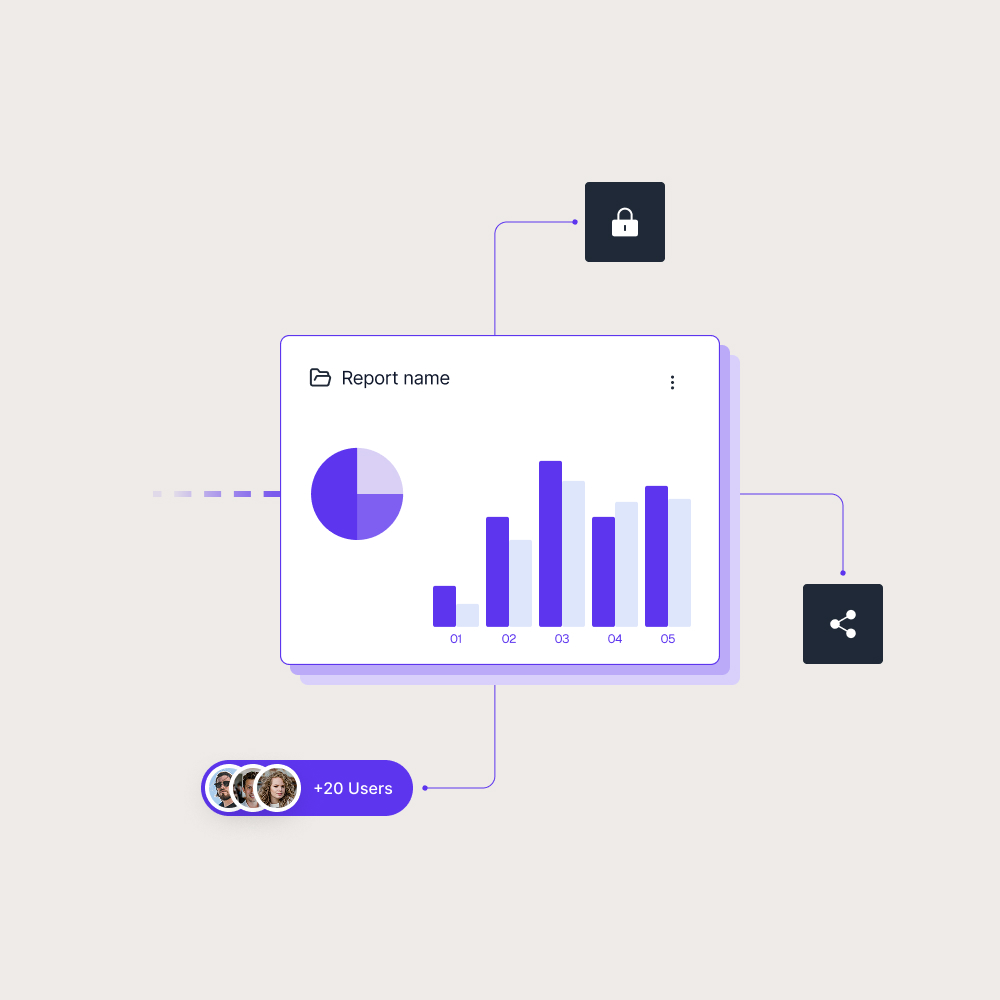

Roles make report access easier to scale
When only a few people use a report, access can often be managed manually. As more users are added, especially customers and partners, manual permission handling becomes harder to maintain and easier to get wrong.
Role based access control gives teams a clearer structure for report delivery. Skald BI helps organizations share existing Power BI reports through a secure branded portal, where access can be organized around the audiences that need to use the reports.
Use cases
See how different types of organisations use Skald BI to share Power BI securely with employees, customers and partners.
Contact us
Try Skald BI for free
Whether you’re looking for expert advice, tailored
solutions, or have a specific inquiry, reach out to
our team.
No set up. Live fast.
Support contact
Follow us
Frequently asked questions
An example is giving report viewers read only access, report creators editing access and administrators broader management permissions.
Why is RBAC useful in Power BI?
RBAC helps teams manage report access more clearly, especially when different users need different levels of access to reports and data.
Is RBAC the same as row level security?
No. RBAC controls access based on roles and permissions. Row level security controls which rows of data a user can see inside a report.
How does RBAC relate to Skald BI?