


A security group is a collection of users managed together so access can be assigned or restricted for the whole group.
Security group
A security group is a set of users managed together so access can be granted or restricted for the whole group.
Quick facts about security groups

Groups users together
Security groups help administrators manage access for several users at once instead of assigning permissions one by one.

Supports access control
A group can be used to control access to reports, workspaces, apps or other resources.

Easier to maintain
When users join, leave or change roles, group membership can be updated without rebuilding the full access setup.

Relevant to Power BI
In Power BI sharing, security groups can help manage which teams, customers or partners should access certain reporting content.
A cleaner way to manage report access
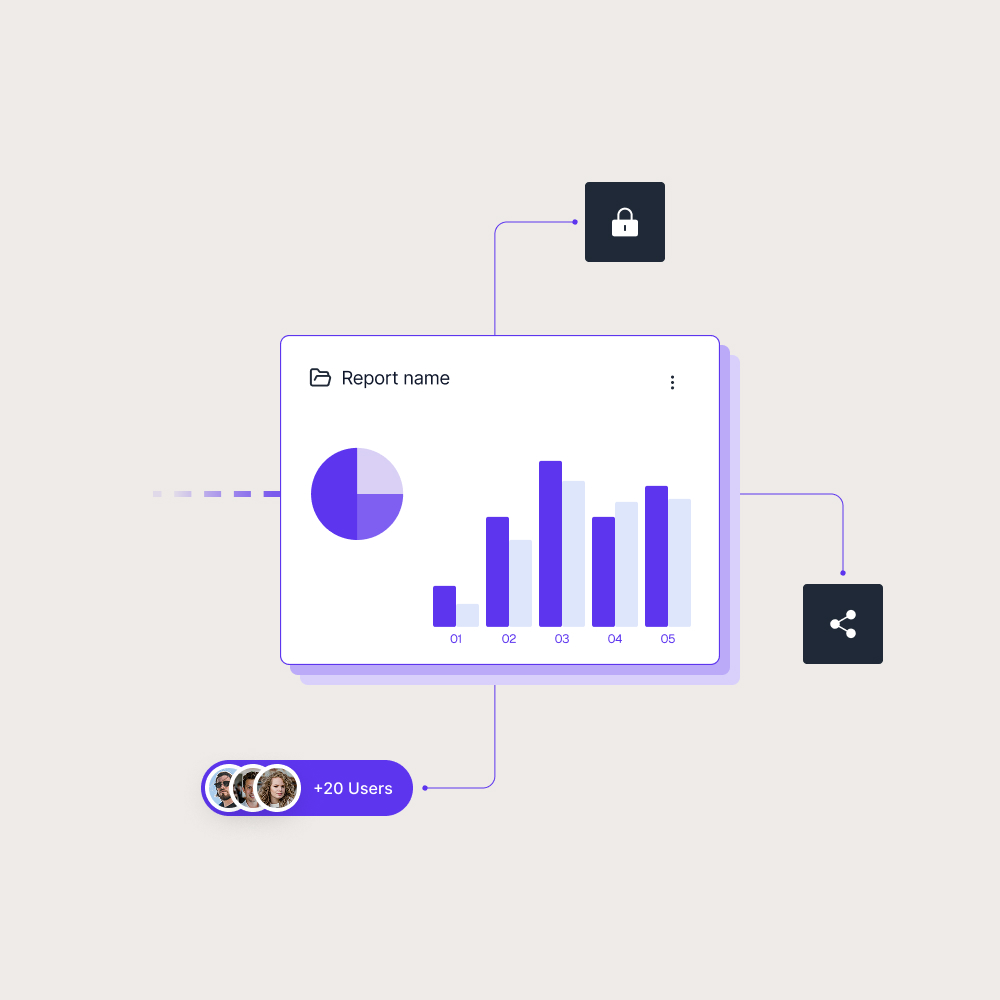
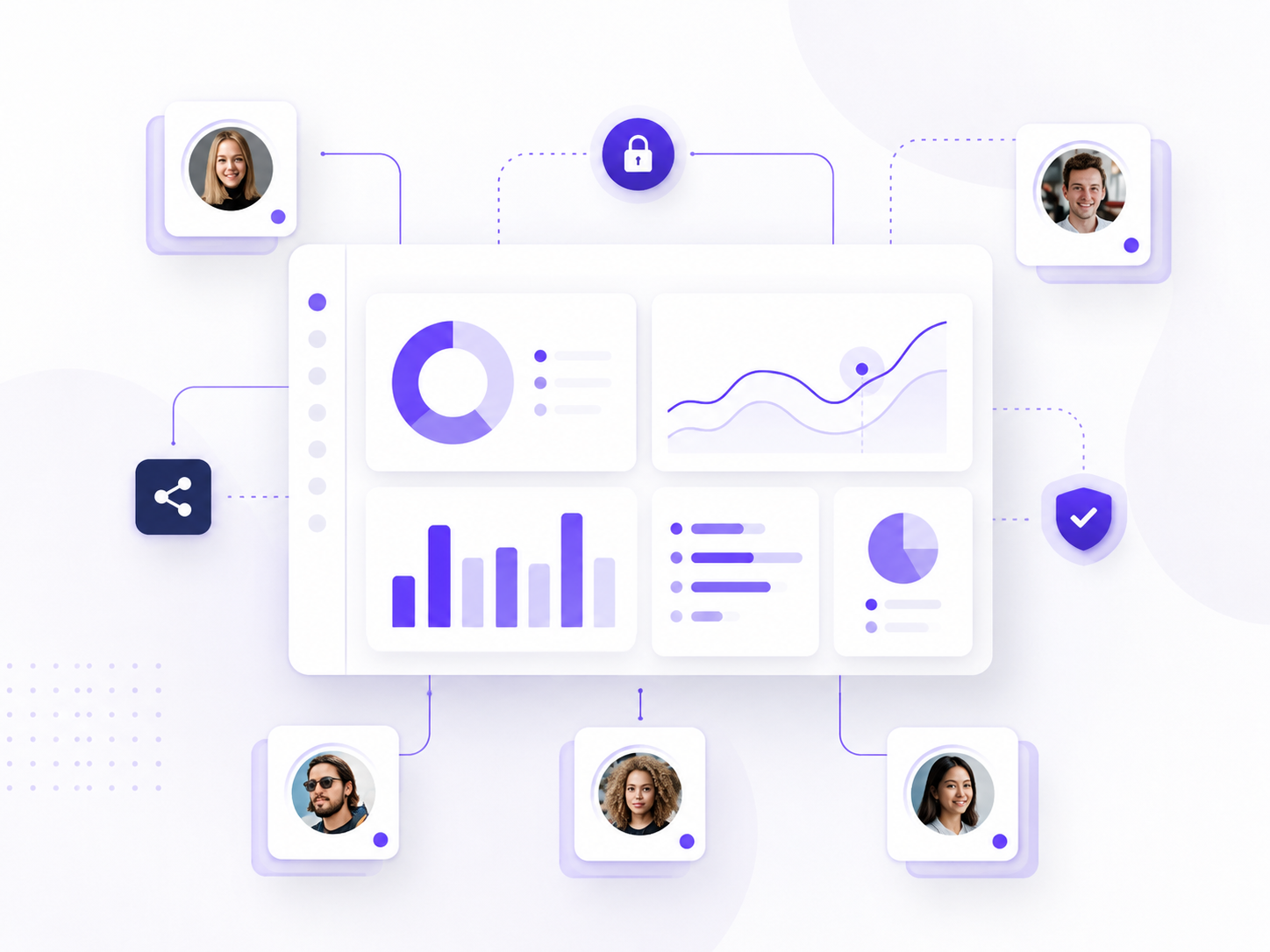
Security groups are useful when several users need the same level of access. Instead of adding each person separately to every report or workspace, administrators can assign access to a group and manage the users inside that group.
Security groups can help manage access for:
- Internal departments
- Report viewer groups
- Customer or partner audiences
- Admin or report creator roles
This makes access easier to maintain as reporting grows. It also reduces the risk of forgotten individual permissions when users change teams, leave a customer account or no longer need access.
Report access should not depend on manual user lists
Manual access management can work for a small report audience, but it becomes harder when more users, customers or partners are added. Security groups give teams a more structured way to manage who should see which reporting content.
In Power BI, groups can support report access across workspaces, apps and shared content. Skald BI helps organizations share existing Power BI reports through a secure branded portal, where access can be organized around the audiences that need to use the reports.
Use cases
See how different types of organisations use Skald BI to share Power BI securely with employees, customers and partners.
Contact us
Try Skald BI for free
Whether you’re looking for expert advice, tailored
solutions, or have a specific inquiry, reach out to
our team.
No set up. Live fast.
Support contact
Follow us
Frequently asked questions
How are security groups used in Power BI?
In Power BI, security groups can help control access to reports, apps, workspaces and other reporting content.
Why are security groups useful?
Security groups make access easier to manage because administrators can update group membership instead of changing permissions for each user individually.
Are security groups the same as user permissions?
No. A security group contains users. Permissions define what that group or user is allowed to access or do.
How do security groups relate to Skald BI?
Security groups can support structured access to Power BI reports. Skald BI helps teams share those reports through a secure branded portal for customers, partners and internal users.