


Tenant settings are admin level controls that define how Power BI features and sharing options can be used across an organization.
Tenant settings
Tenant settings are admin level controls that define how Power BI features can be used across an organization.
Quick facts about tenant settings

Admin controls
Tenant settings help administrators manage Power BI behavior across the organization.

Applies broadly
These settings can affect many users, groups, workspaces and reporting features.

Supports governance
Tenant settings help organizations control how reports, data and sharing features are used.

Important for sharing
When Power BI reports are shared internally or externally, tenant settings can influence what is allowed.
The rules behind the Power BI environment
Tenant settings sit above individual reports and workspaces. They help administrators decide which Power BI features should be available, who can use them and how sharing should work across the organization.
Tenant settings can influence areas such as:
- Report sharing
- Export options
- External user access
- Admin and governance controls
This makes tenant settings important for any organization using Power BI at scale. They help create clearer boundaries around what users can do, rather than leaving every reporting decision to individual report owners.
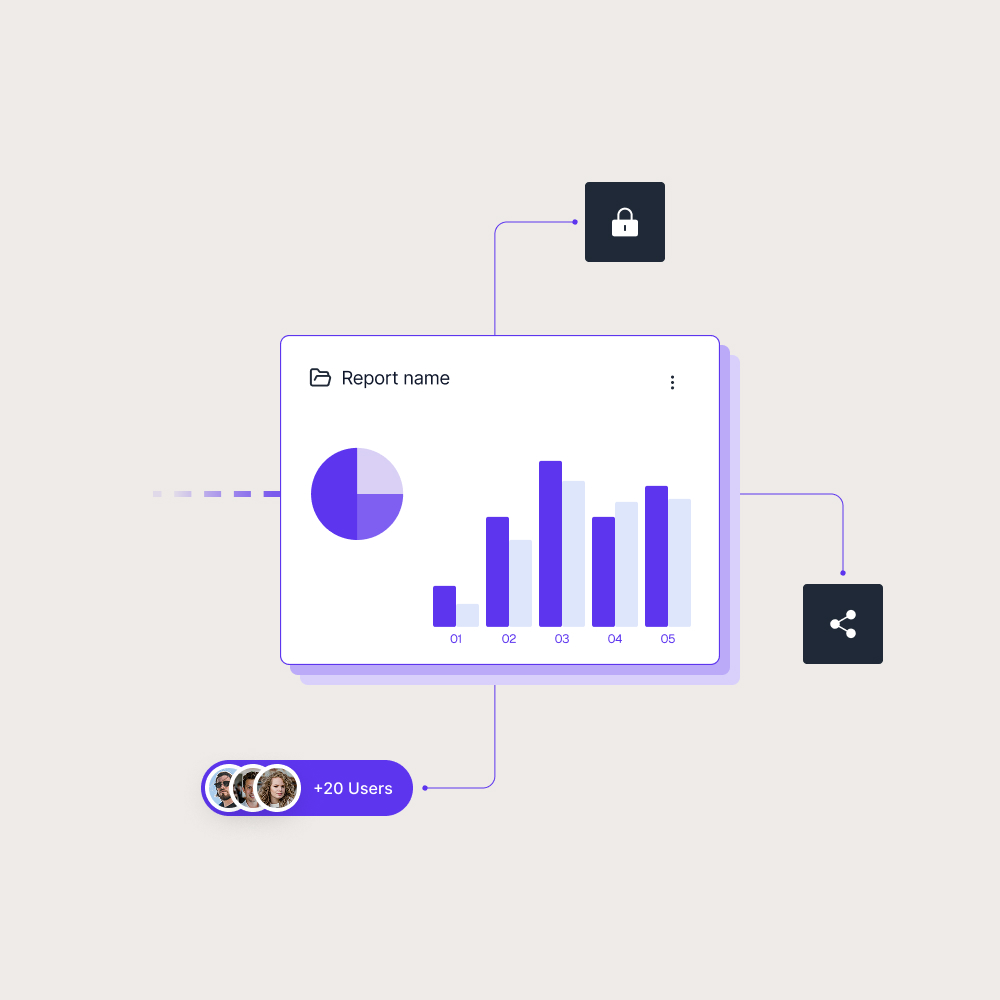

Good report sharing starts with the right environment
A Power BI report can have strong design, permissions and data security, but the wider tenant setup still matters. If tenant settings are too open, reports may be shared in ways the organization did not intend. If they are too restrictive, users may struggle to access the reporting they need.
For customer and partner reporting, tenant settings become part of the foundation. Skald BI helps teams share existing Power BI reports through a secure branded portal, while the broader Power BI tenant setup supports the rules and controls behind that reporting experience.
Use cases
See how different types of organisations use Skald BI to share Power BI securely with employees, customers and partners.
Contact us
Try Skald BI for free
Whether you’re looking for expert advice, tailored
solutions, or have a specific inquiry, reach out to
our team.
No set up. Live fast.
Support contact
Follow us
Frequently asked questions
What are tenant settings in Power BI?
Tenant settings are usually managed by Power BI administrators or Microsoft 365 administrators with the right permissions.
Why are tenant settings important?
They help organizations control report sharing, feature access, governance and security across the Power BI environment.
Are tenant settings the same as report permissions?
No. Tenant settings control what is allowed across the Power BI environment. Report permissions control access to specific reports, workspaces or content.
How do tenant settings relate to Skald BI?